Script Daily Hooks for Reels and Shorts
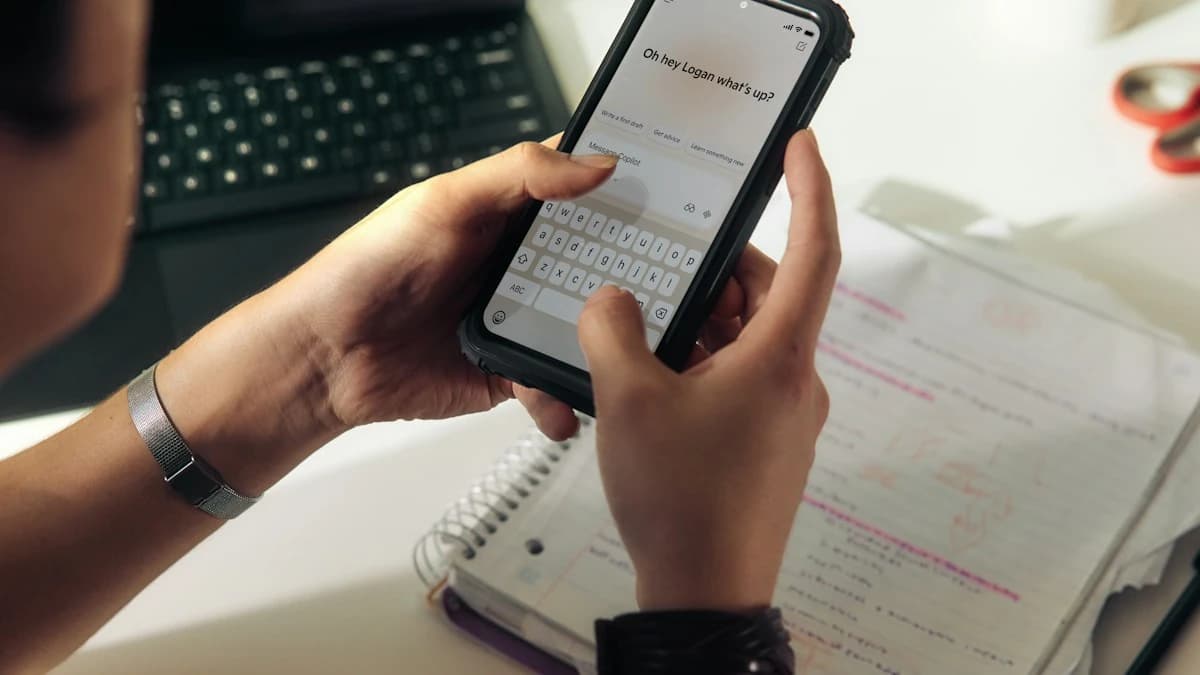
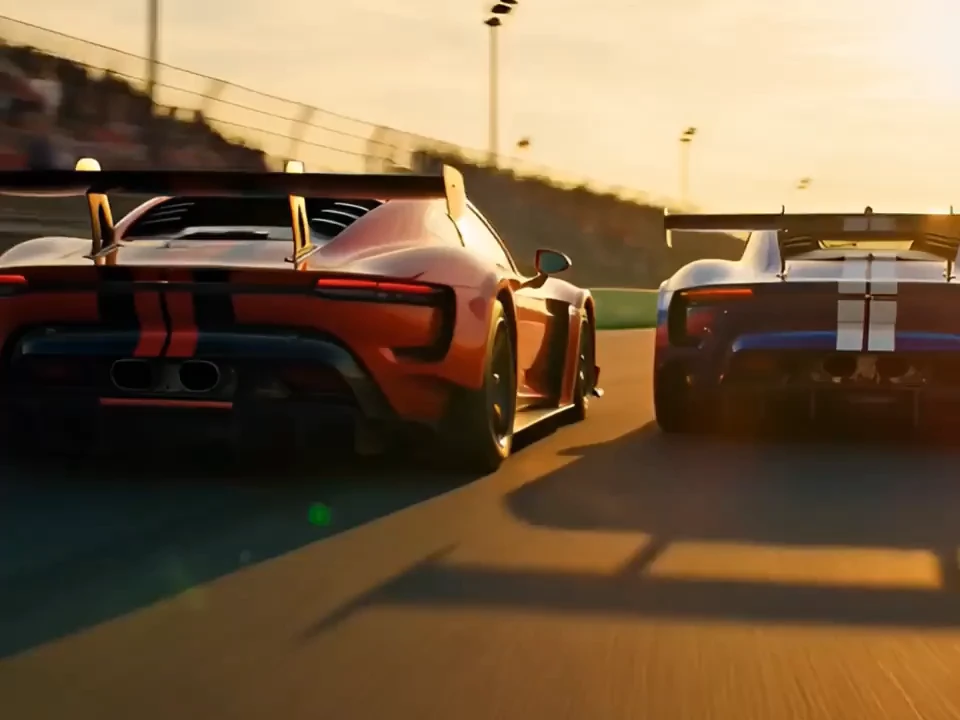
A social media manager writes daily hooks in five parts and sets Kling V3 Turbo to 9:16 at 10 seconds for a week of vertical posts.
Examples
- Product hooks
- Trend remixes
- Reveal edits
- Daily tips
Real jobs, matched to flow text to video models and settings.
Write the hook as a five-part flow text to video prompt, then pick Seedance 2.0, Kling 3.0, Kling V3 Turbo, or Grok Standard for 9:16 at 15 seconds.
All three Seedance versions offer 21:9, and Seedance 2.0 adds 4K. Describe the landscape, camera move, and light.
Seven families share one flow text to video picker, so one menu shows which versions offer 1080p, 1:1, or 15 seconds.
Answer five questions: who, doing what, which camera move, what light, and which frame and length.
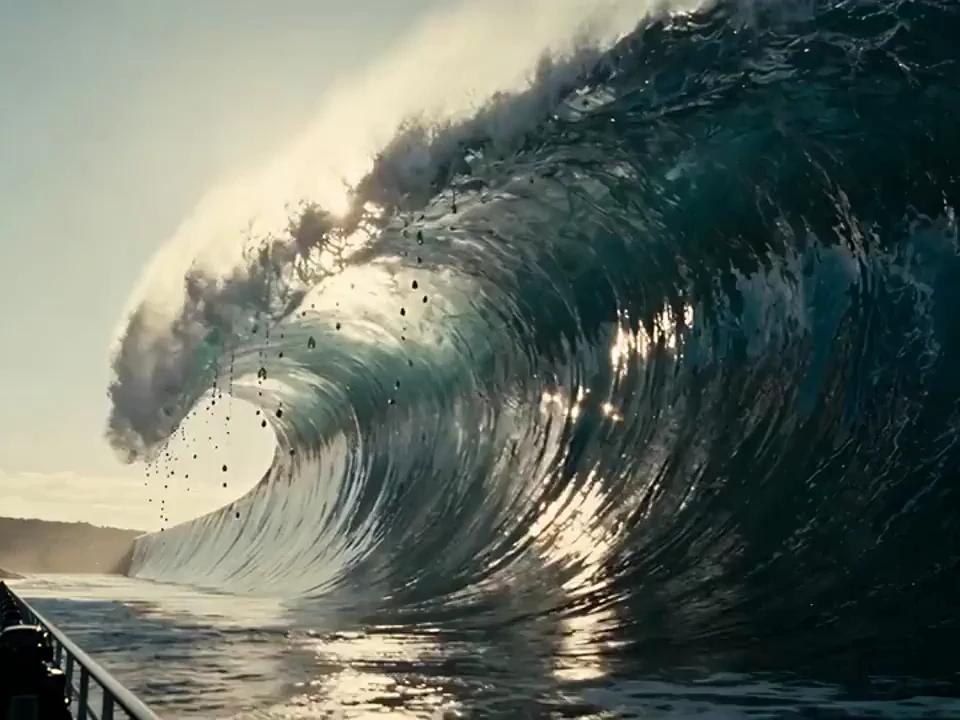
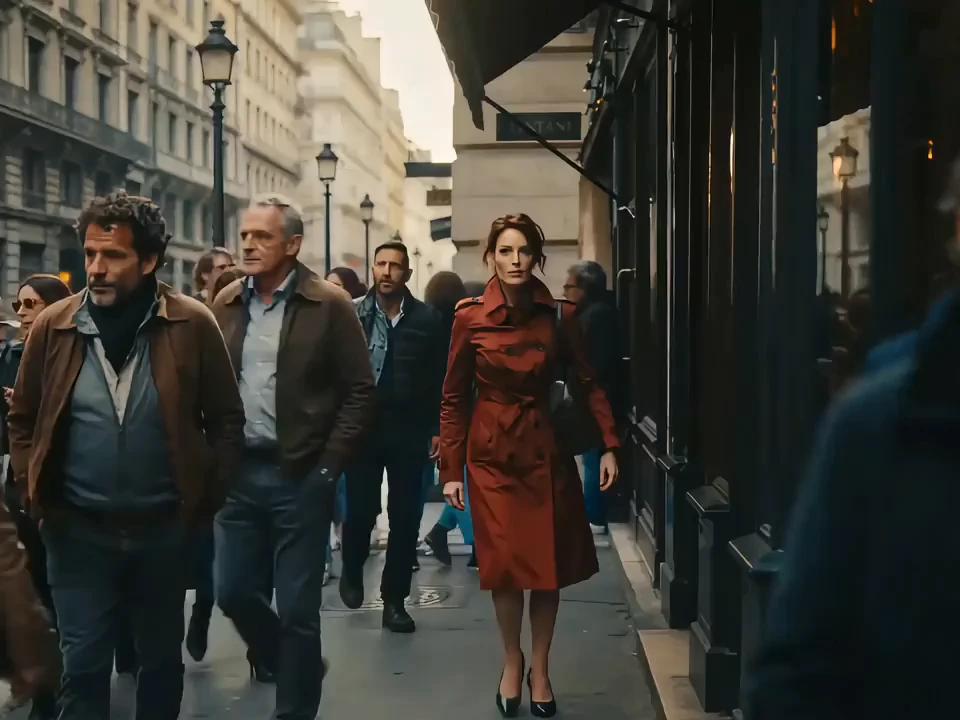
Flow text to video starts from words: describe a scene, choose one of 15 text-capable versions, and set format from that model's own list. Write the prompt in five parts: subject, action, camera movement, light and mood, then aspect ratio and duration. Example: A red fox trots along a snowy ridge, slow side-tracking shot, pale blue dawn light, 16:9, 10 seconds. Or: A barista pours latte art at a busy counter, close push-in, warm window light, vertical 9:16, 5 seconds. Swap the subject in either one and your first flow text to video prompt is done.
Each tab covers one flow text to video control and its real options.
Seven model families share one flow text to video picker, with Veo Fast preselected. Switch versions and the panel shows that model's own settings.
15 Text-Ready Versions
Each takes a prompt
Veo Fast Default
Preselected on open
Three Veo Tiers
Quality, Fast, and Lite
Specs come from each model's own option list.
15 text-ready versions, from Seedance to HappyHorse.
Room for a full shot list on Seedance.
Ratio, resolution, duration, and Kling 3.0's std, pro, or 4K mode, per model.
From 480p through 1080p, plus 4K on Seedance 2.0 and Kling 3.0.
4, 8, or 12 seconds on Seedance 1.5 Pro; 5, 10, or 15 on Kling 3.0.
9:16 and 16:9, 21:9 widescreen, plus 1:1, 4:3, 3:4, 2:3, and 3:2 by model.
Borrow the flow text to video setup closest to your job.
A social media manager writes daily hooks in five parts and sets Kling V3 Turbo to 9:16 at 10 seconds for a week of vertical posts.
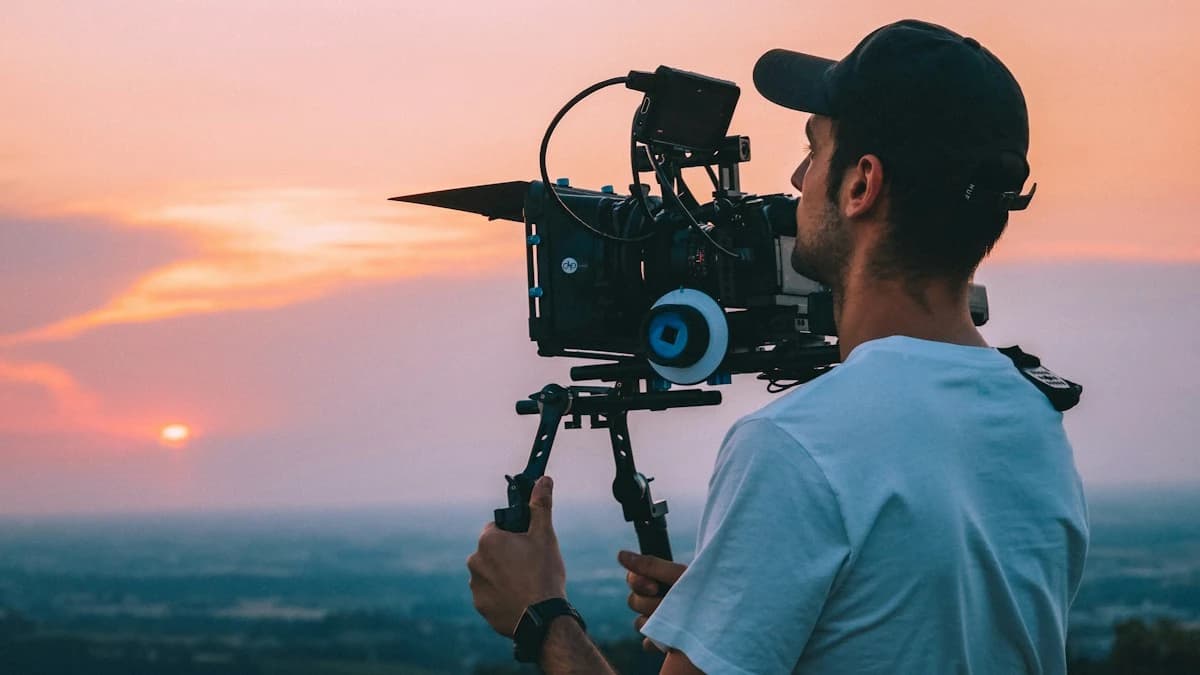
An indie filmmaker writes the establishing shot as subject, move, and light, then pairs Seedance 2.0 with 21:9 at 4K before booking a location.

A course creator splits a lesson into short beats, writes each as a flow text to video prompt, and sets 16:9 at 1080p on Wan 2.7 or HappyHorse 1.1.
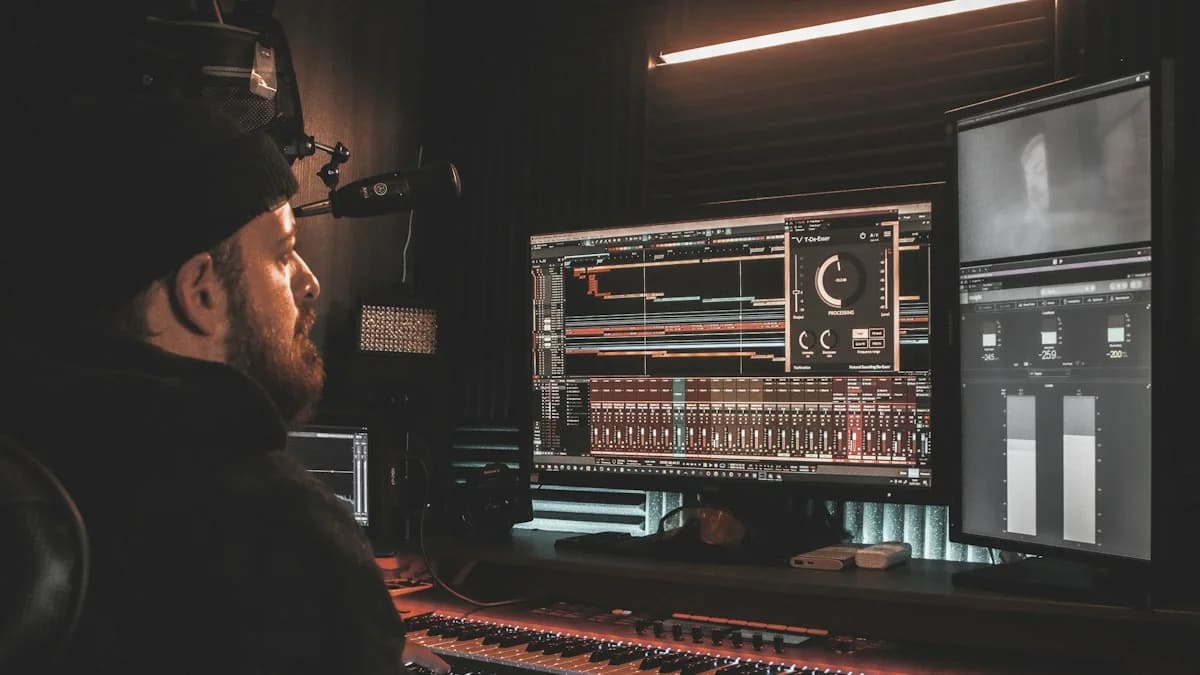
A musician writes one scene per track and sets Seedance 2.0 Mini to 9:16, 720p, and 5 seconds, giving each release post a looping visual.

A café owner writes the dish, steam, and counter light as one flow text to video prompt, then sets Kling 2.6 to 1:1 and 5 seconds.
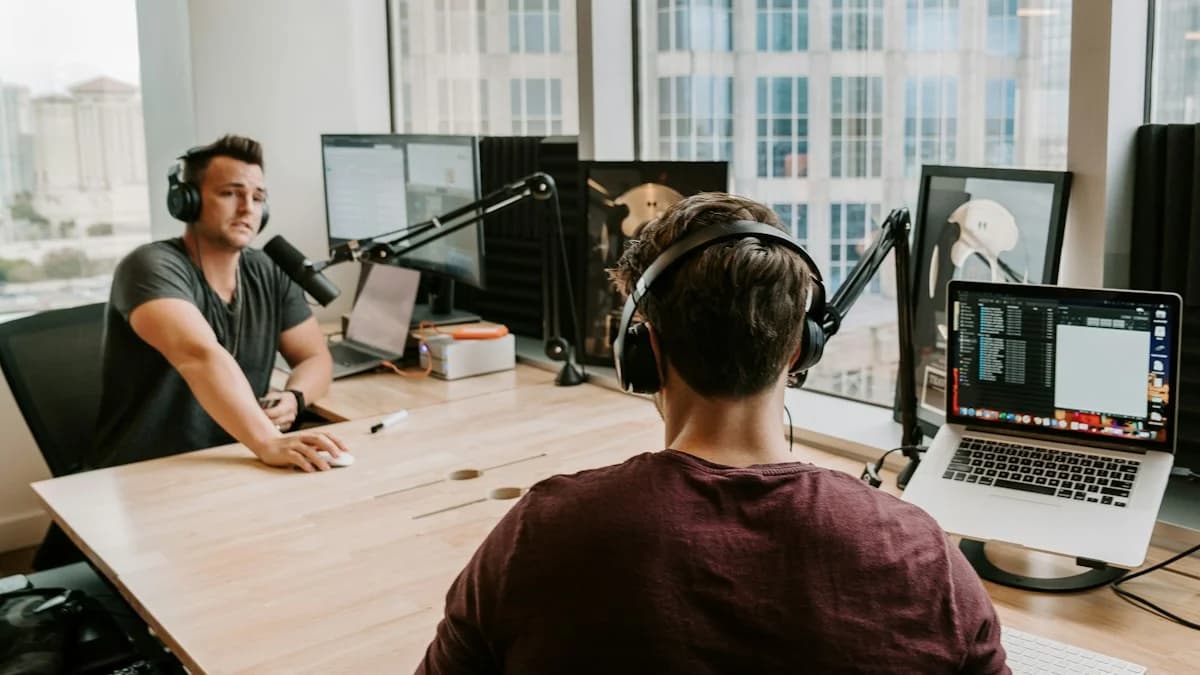
A video podcaster writes one cutaway per talking point, sets HappyHorse 1.0 to 16:9 at 1080p, and drops the clips over long stretches of talk.
Model, then prompt, then settings.
Open the picker and choose one of 15 versions.
Type the scene in five parts and stay inside the model's character cap.
Choose aspect ratio, resolution, and duration, then press Generate and download your clip.
Models, specs, prompts, and pricing.
Flow text to video means describing a scene in words and letting a video model turn it into footage. Here, you pick one of 15 versions, write the prompt, and set the format.
Pick one with 9:16 and a length that suits the platform: Kling V3 Turbo offers 5, 10, or 15 seconds at 720p or 1080p, Grok Standard 6, 10, or 15 seconds, and Seedance 2.0 up to 4K.
Fifteen versions accept a flow text to video prompt: Seedance 2.0, 1.5 Pro, and 2.0 Mini; Veo Quality, Fast, and Lite; Kling 3.0, V3 Turbo, and 2.6; Wan 2.7 and 2.6; Grok Standard; Hailuo 02 Pro; and HappyHorse 1.1 and 1.0.
Up to 15 seconds and 4K, depending on the model. Seedance 2.0 and 2.0 Mini, Kling 3.0 and V3 Turbo, Wan 2.6, and Grok Standard list 15 seconds; 4K comes from Seedance 2.0 or Kling 3.0's 4K mode.
Five parts, in order: subject, action, camera movement, light and mood, then aspect ratio and duration. Stay inside the model's cap: 20,000 characters on Seedance, 2,000 on Veo, 1,000 on Kling 2.6.
You can try flow text to video online for free: new accounts get free credits, and each clip's credit cost depends on the model, resolution, and duration. Plans and credit packs are on the Pricing page.
Yes. Under our Terms of Service you keep full commercial rights to the flow text to video clips you generate and can use them without attribution. Leave out people, logos, and characters you lack rights to.

Plan every flow text to video shot in one panel: pick from 15 model versions, write the scene, and set ratio, resolution, and duration.
0 / 2000
Ten looks to borrow as prompt starters.