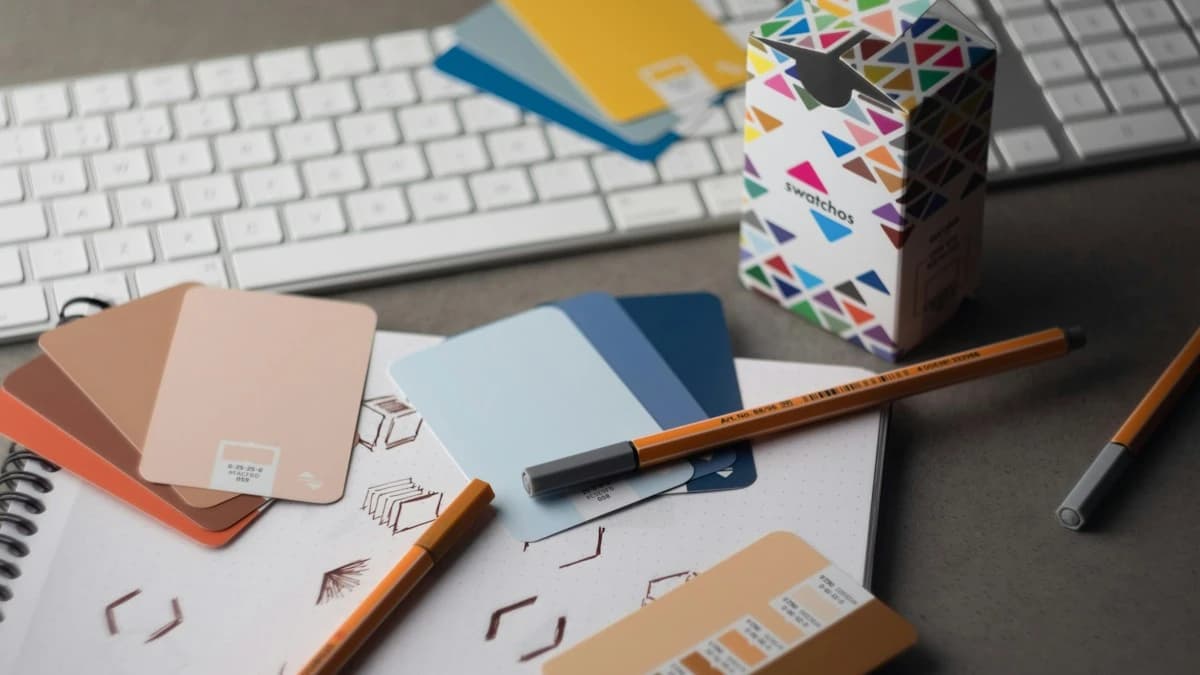
Concept Artists: Rough Out a Moodboard
Test one environment prompt on Z-Image 1.0, Seedream 5.0 Lite and Flux 2 Flex, then take the winner to Nano Banana 2 at 16:9 and 4K.
Examples
- Environment boards
- Character looks
- Color studies
- Key art directions
Common image jobs, matched to the right mode.
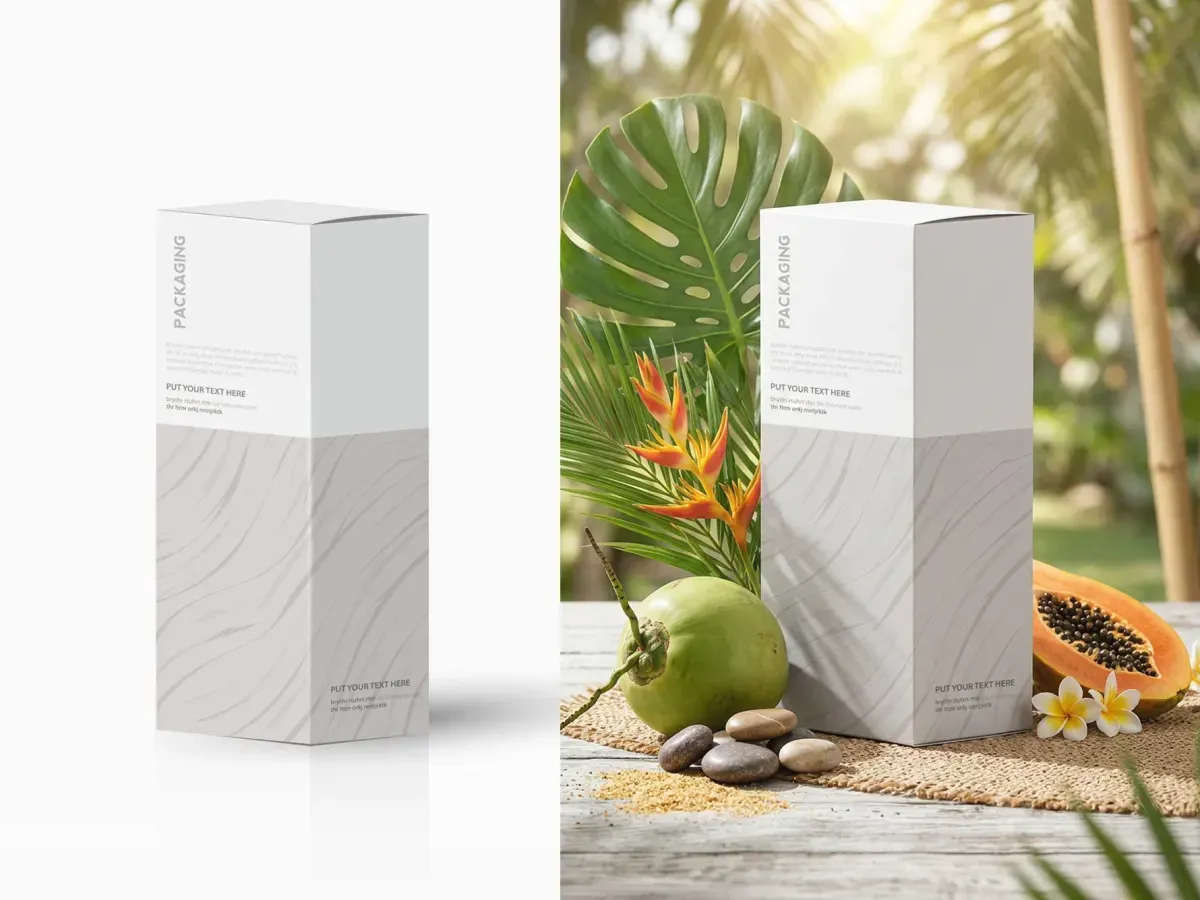
Upload your product shot, pick Seedream Image Edit or Flux 2 Image to Image, and describe the new backdrop.
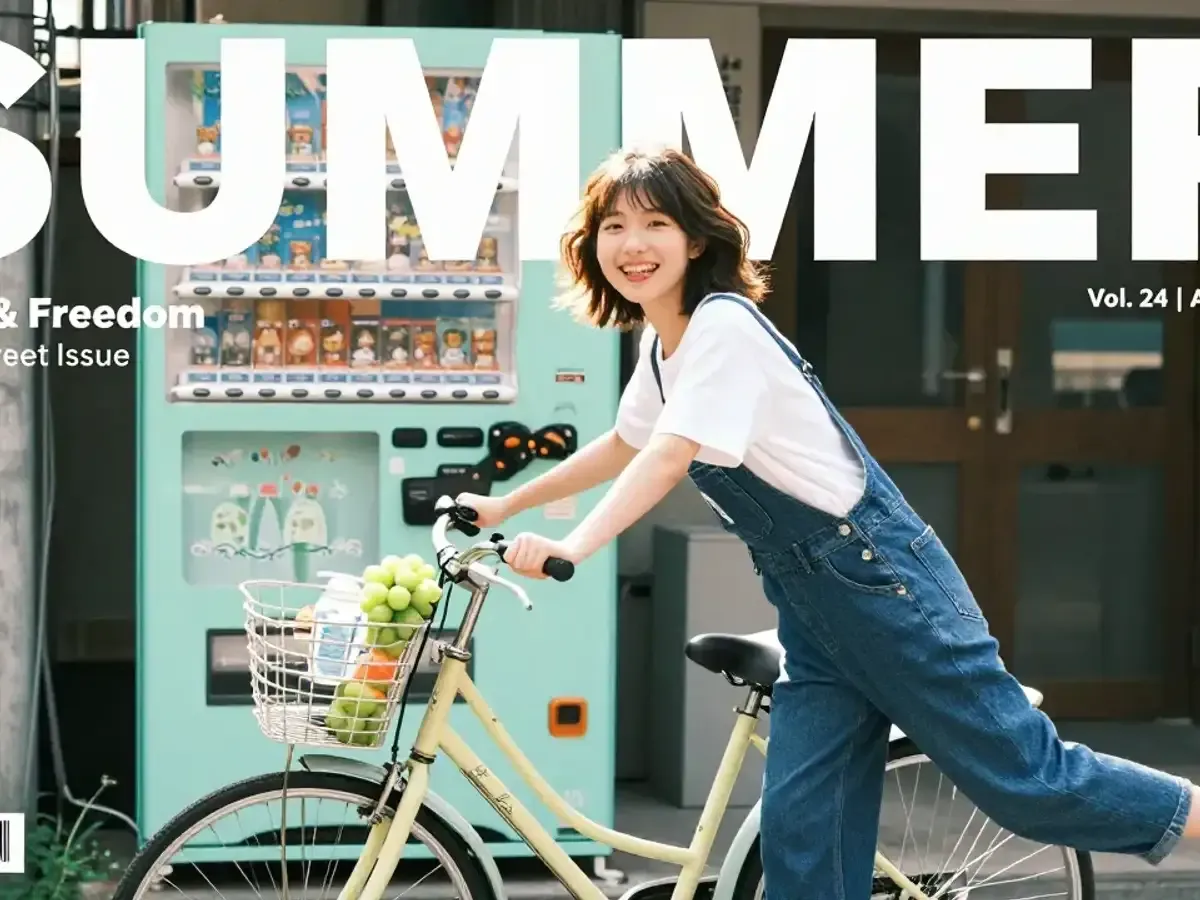
Nano Banana 2 takes 20,000-character prompts, so headline, date and fine print fit in one brief.
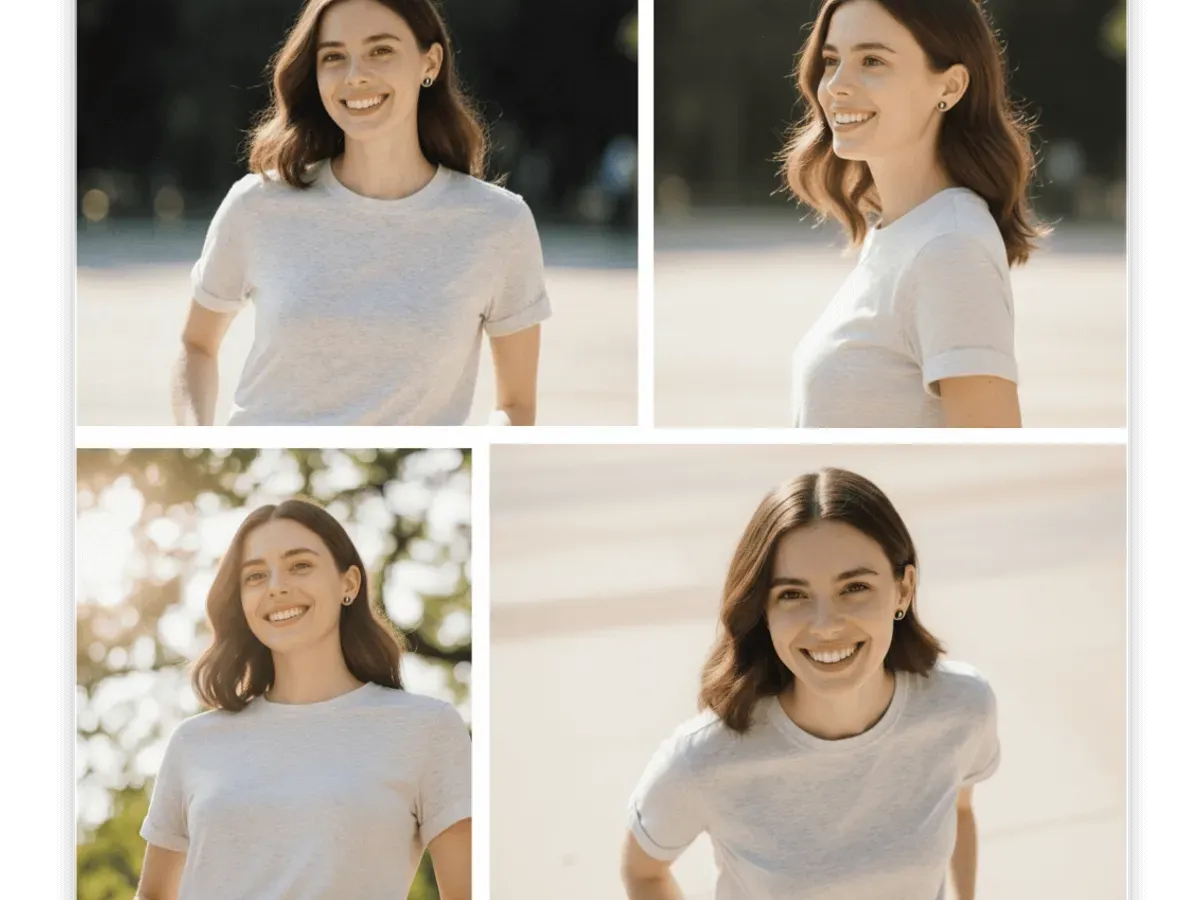
Flux 2 Pro Image to Image pairs your headshot with a pose prompt, framed 16:9 or 9:16.
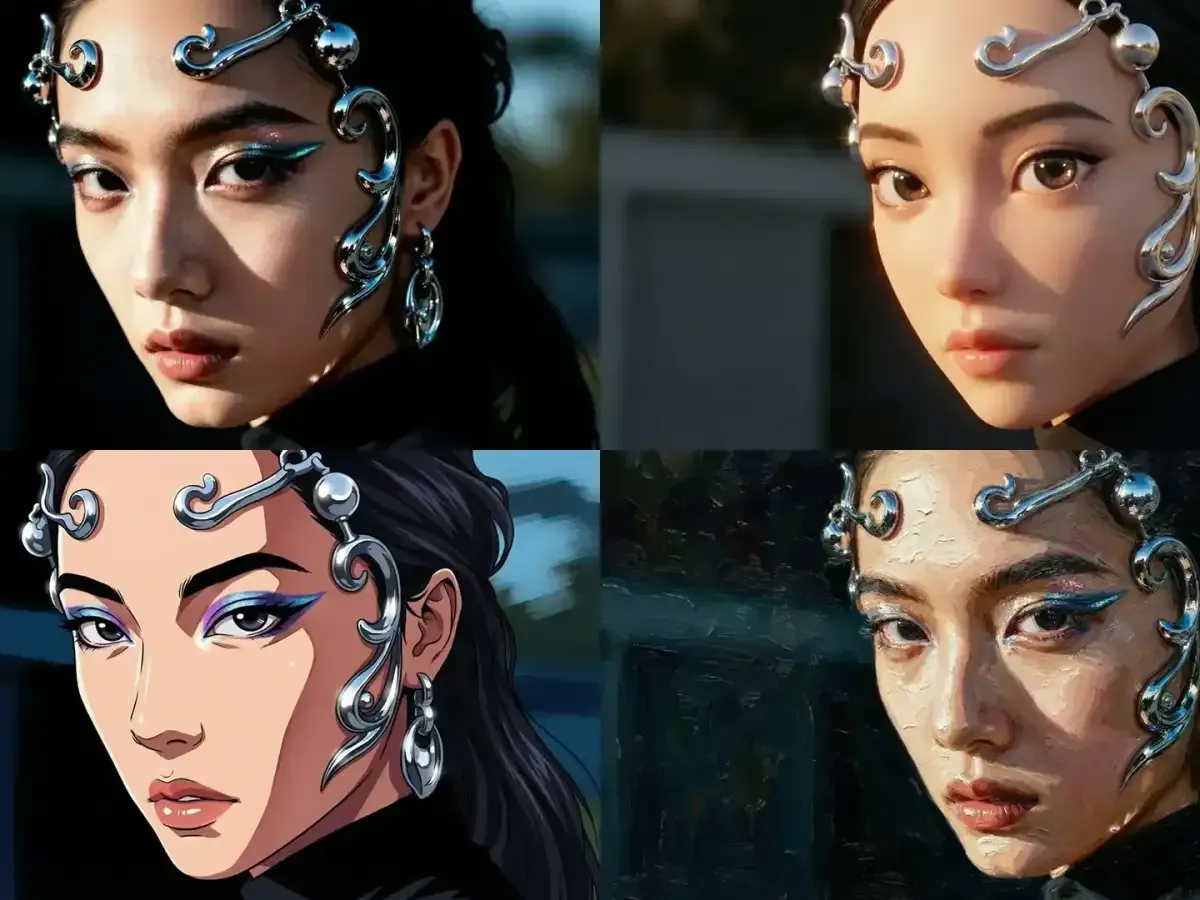
Keep the prompt, swap the model: in the Flow AI image generator, one brief can go to Seedream, Flux, Z-Image and Grok Imagine.
Every image in the Flow AI image generator starts from one of two inputs: a written prompt for Text to Image, or a photo you upload plus a prompt describing the change. Each of the 15 models then shows only the settings it supports, such as 1K, 2K or 4K on Nano Banana 2 and basic or high quality on Seedream. The Flow AI image generator covers still images only, with no background remover or upscaler.
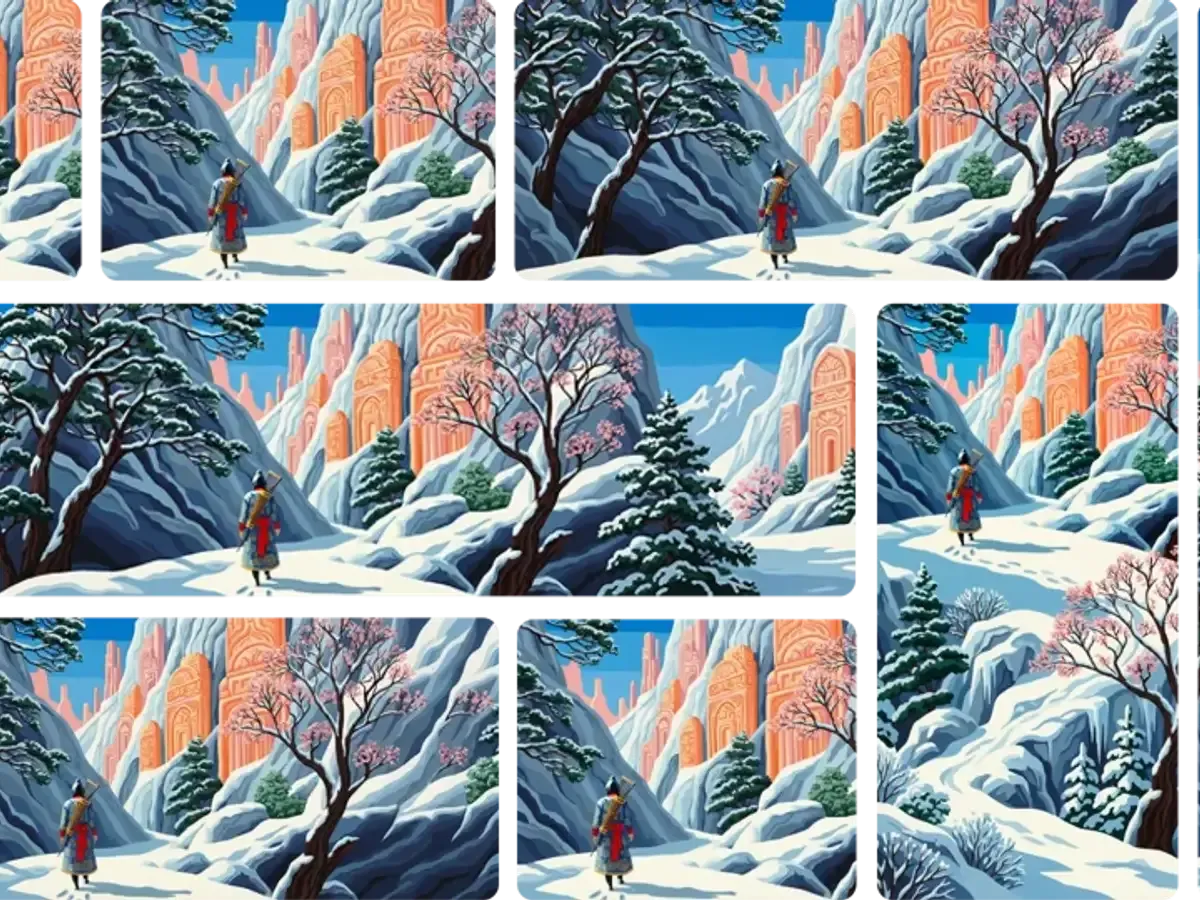
Start the Flow AI image generator from words, a model choice, or your own photo.
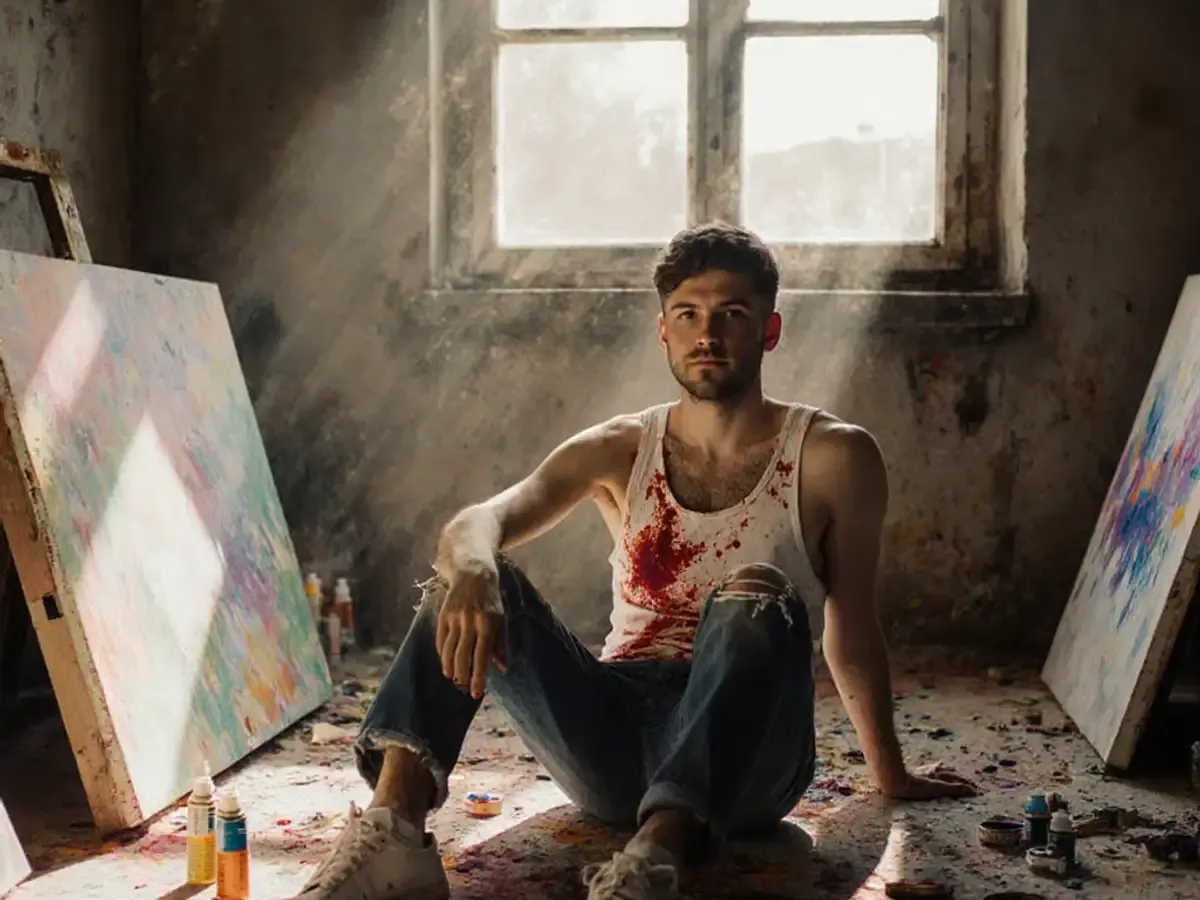
Text to Image starts from words alone: subject, lighting, lens, layout and any copy for the frame.
Long Briefs
20,000 characters on Nano Banana 2
4K Setting
On Nano Banana 2 and Pro
Nine Frame Options
Auto plus eight ratios on Nano Banana 2
Six Flow AI image generator capabilities, each tied to a real model setting.
Seven families, from Nano Banana to Grok Imagine, in one menu.
Choose basic or high on Seedream, or medium or high on GPT Image 1.5.
Nano Banana 2 and all three GPT Image models accept briefs this long.
Nano Banana 2 and Pro list 1K, 2K and 4K; Flux 2 Pro and Flex list 1K and 2K.
Two edit modes start from a picture you upload.
Starter prompts for product, marketing, portrait, text and logo, editorial and art images.
Each role brings a different input to the Flow AI image generator.
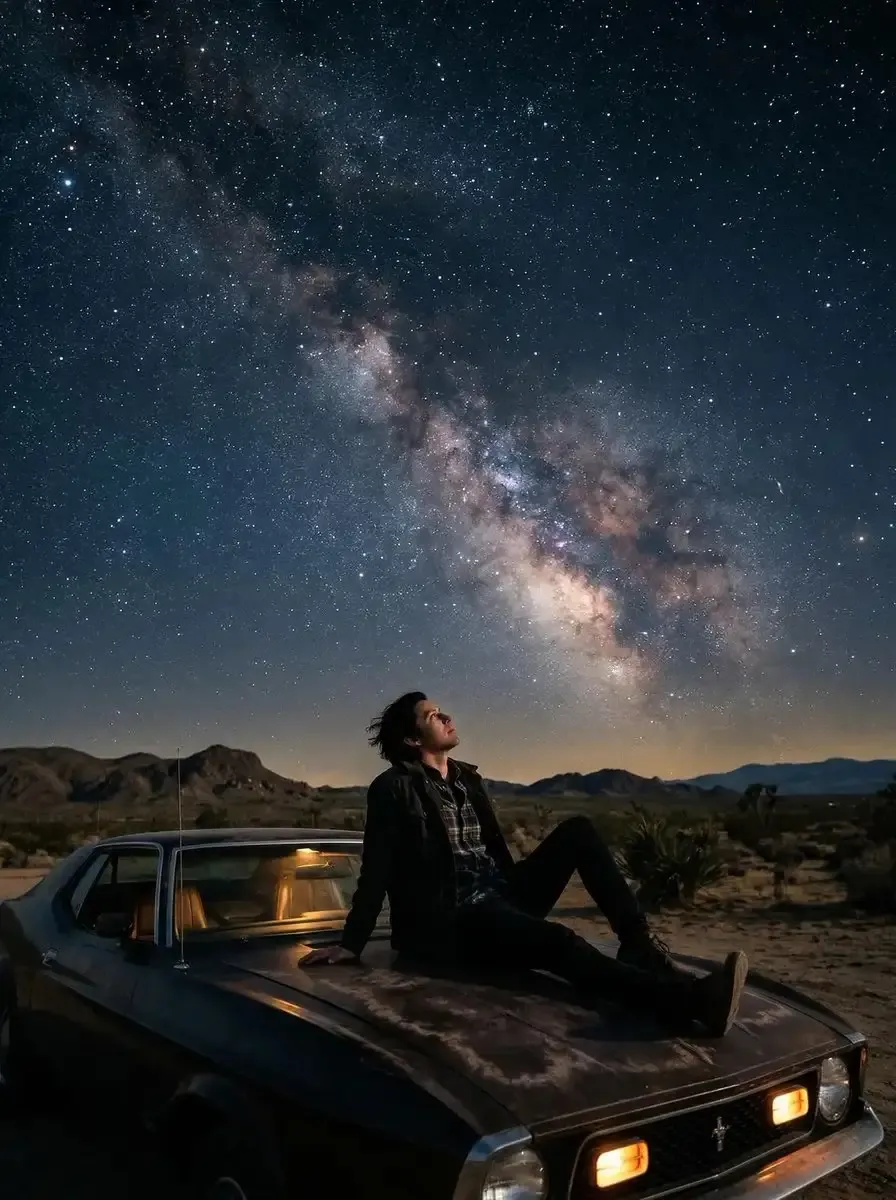
Test one environment prompt on Z-Image 1.0, Seedream 5.0 Lite and Flux 2 Flex, then take the winner to Nano Banana 2 at 16:9 and 4K.
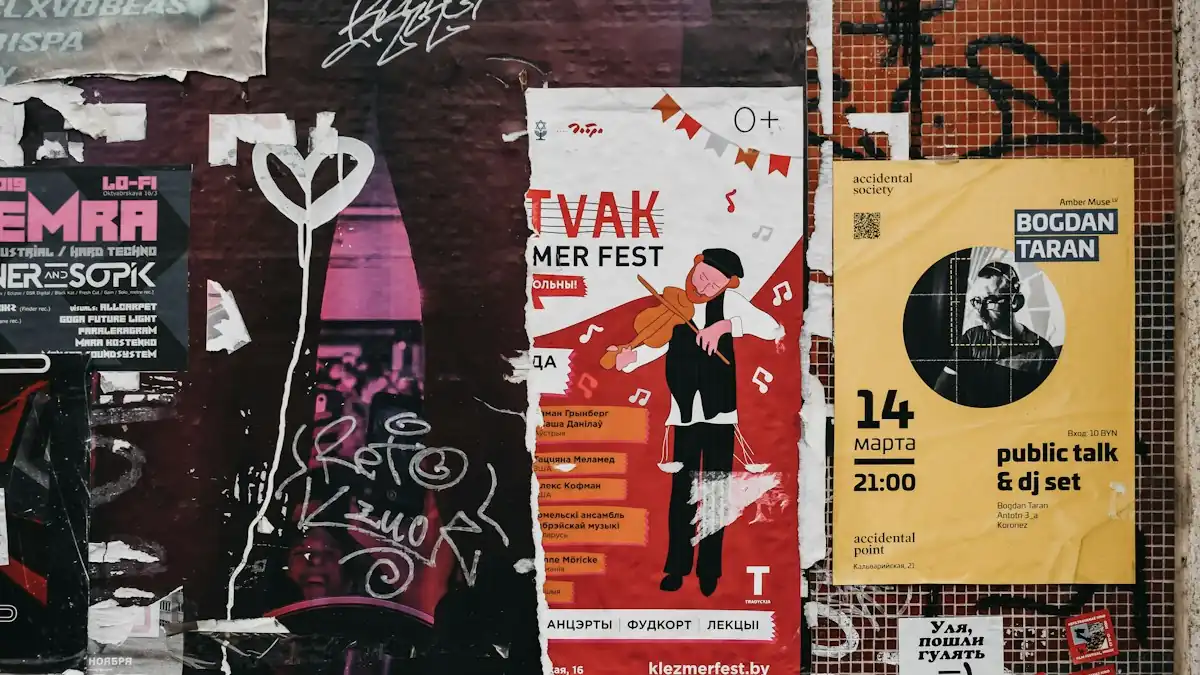
Paste headline, lineup, date and venue into a Nano Banana 2 prompt, choose 3:4 and 4K, and hand the draft to your designer.
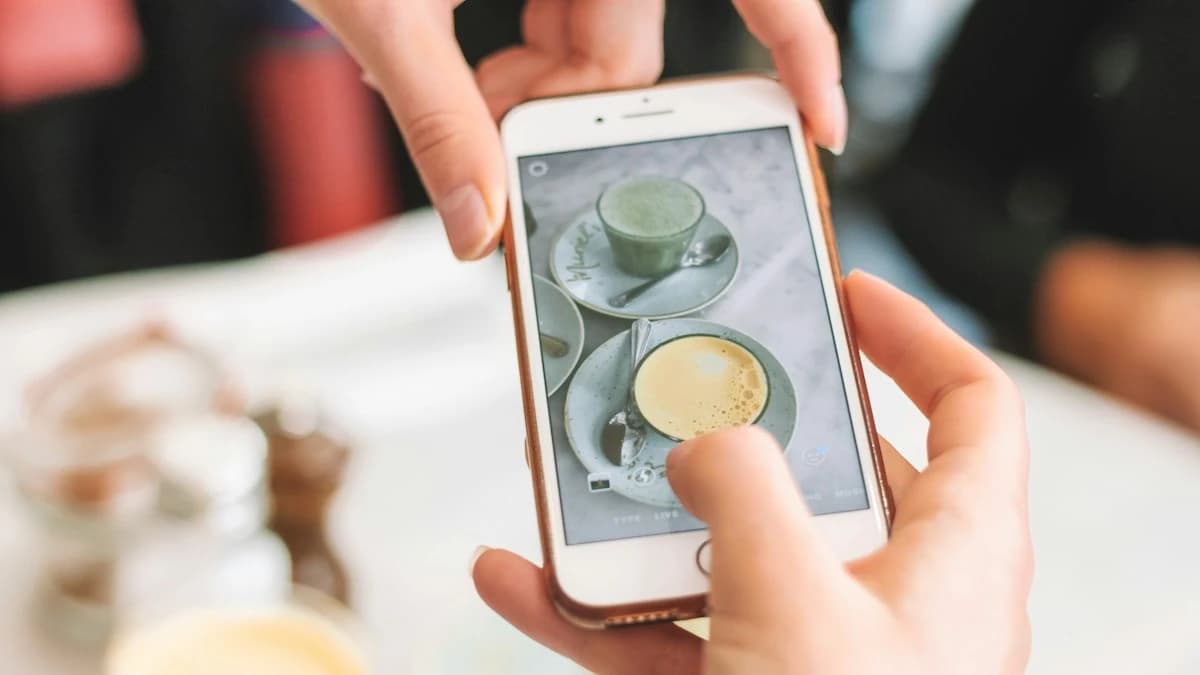
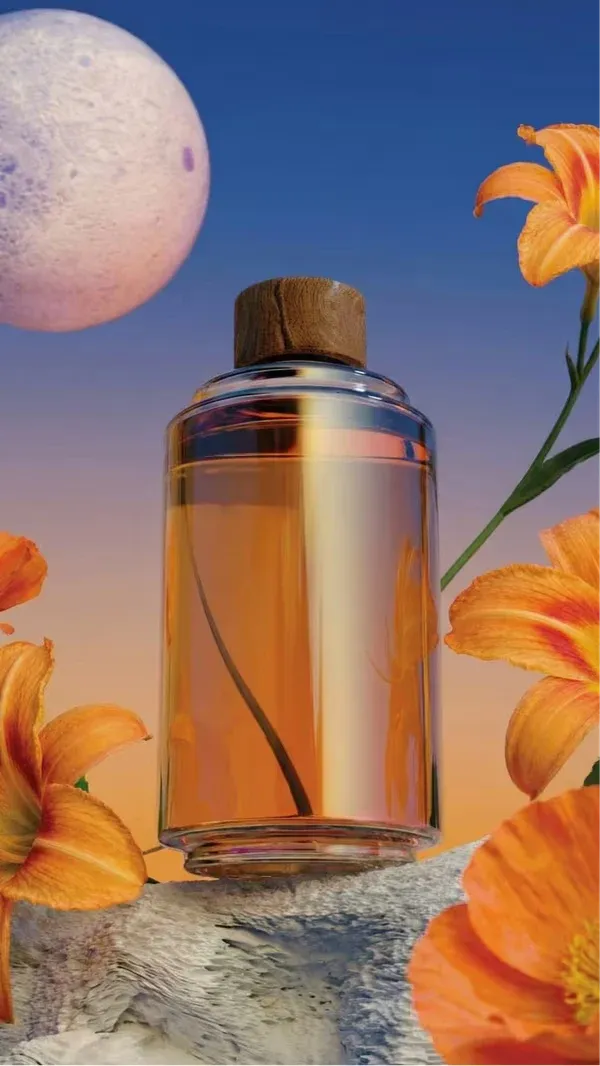
Upload a plain product photo to the Flow AI image generator, open Seedream 4.5 Image Edit, set high quality and 1:1, and describe a seasonal scene for listing thumbnails.

Describe the scene, a reaction face, and the quoted headline, then set Nano Banana 2 to 16:9 at 2K for a thumbnail that reads on phones.
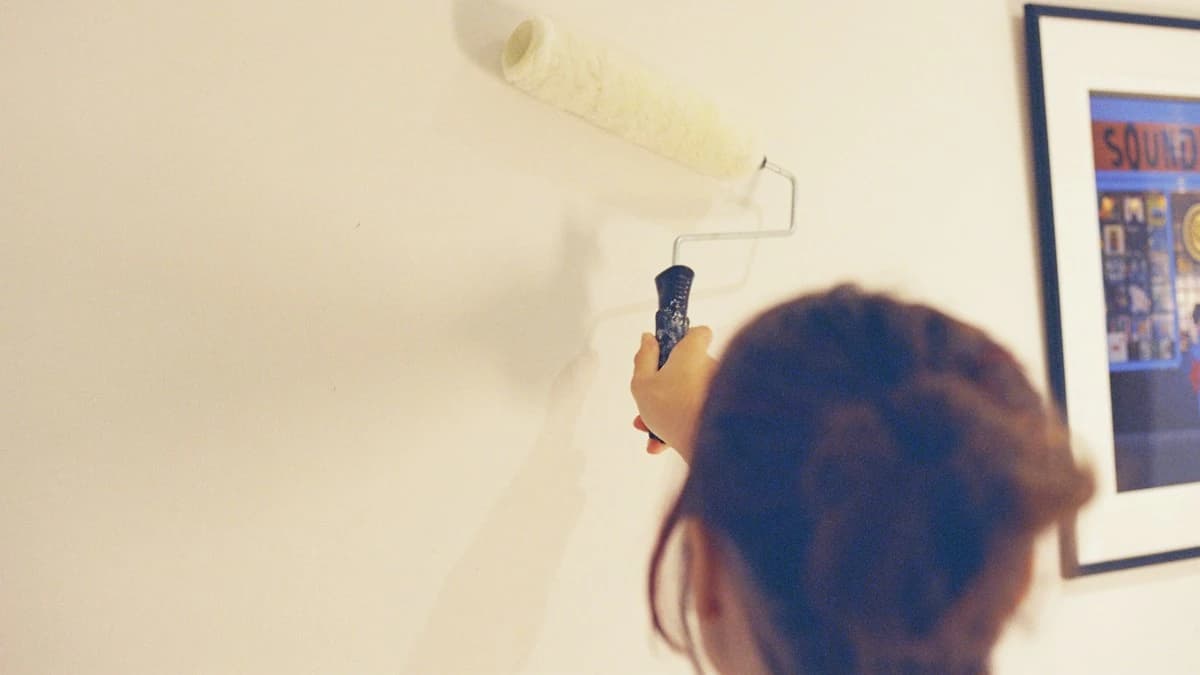
Upload a room photo, open Seedream 5.0 Lite Image Edit, set 4:3 and high quality, and describe new paint, a rug, and a lamp.
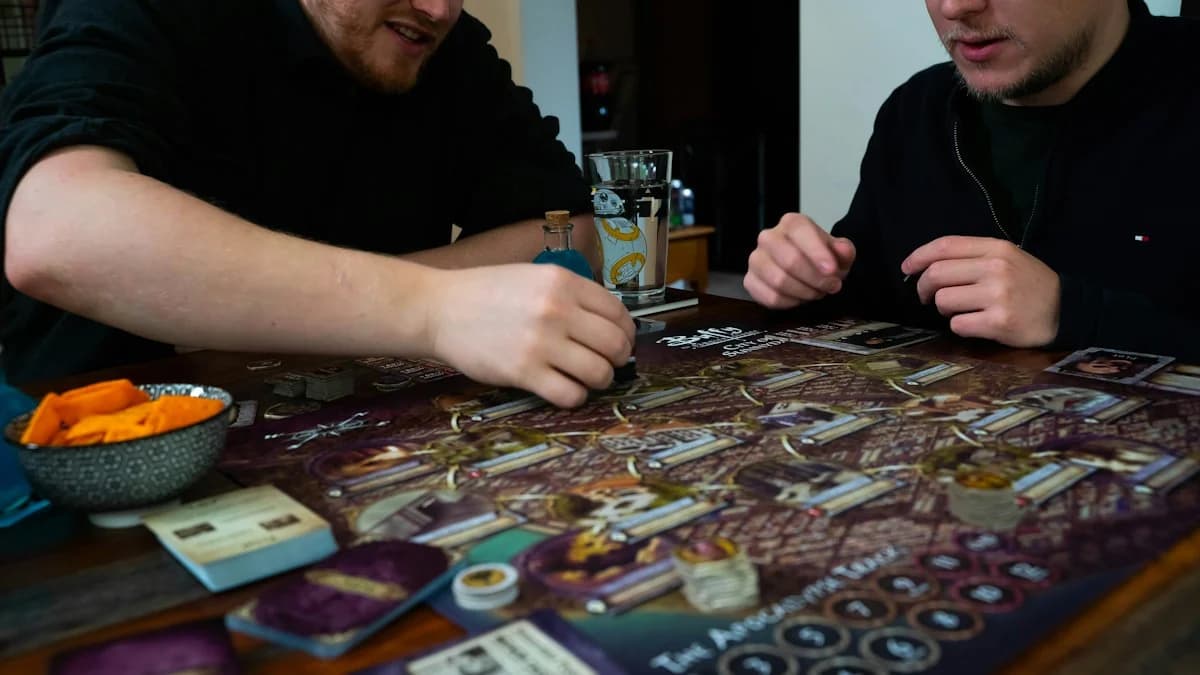
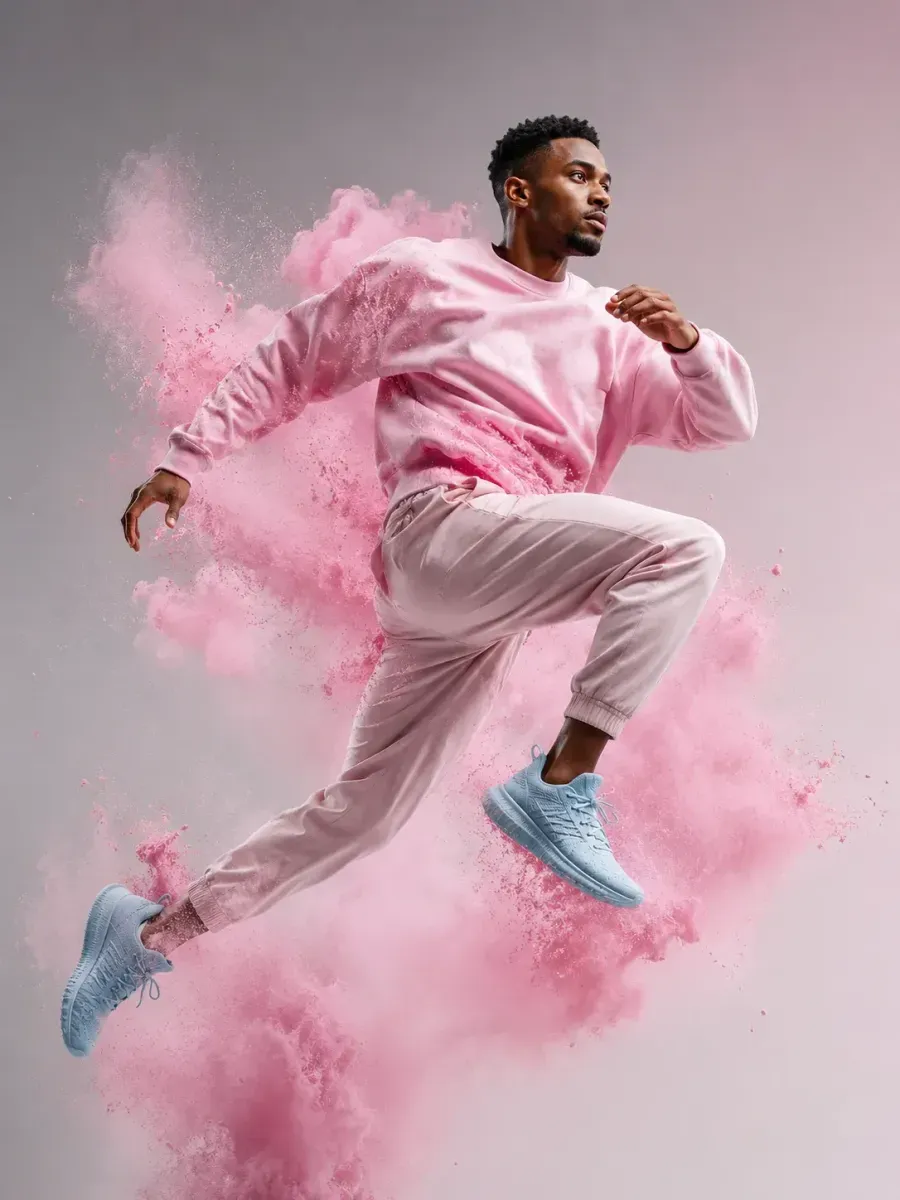
Write each character's face, outfit, and mood in the Flow AI image generator, set Grok Imagine 1.0 to 2:3, and print a card per player.
Three steps that match the Flow AI image generator controls on screen.
Select one of 15 models to see its sizes and ratios.
Type a prompt, pick a template, or upload a photo for edit modes.
Pick resolution, ratio and quality where offered, then press Generate and download the image.
Models, editing, sizes and pricing.
The Flow AI image generator is a still-image studio with 15 models from seven families: Nano Banana, GPT Image, Seedream, Qwen, Flux, Z-Image and Grok Imagine. Describe an image or upload a photo to edit, then set size, aspect ratio and quality.
Tighten the brief first: write subject, setting, light, and framing in that order, and put on-image text in quotes. If one detail keeps drifting, upload the closest result to Seedream Image Edit and describe only that change.
For 4K, use Nano Banana 2 or Pro. For long briefs, Nano Banana 2 and the GPT Image models take up to 20,000 characters. To edit your own photo, use Seedream, Qwen2, Flux 2 or GPT Image 2.
Yes, in two modes. Image to Image runs on GPT Image 2 and 1.5, Qwen, Flux 2 Pro and Flex, and Grok Imagine 1.0; Image Edit runs on Seedream 5.0 Pro, 4.5, 5.0 Lite and Qwen2.
You can start the Flow AI image generator for free: new accounts get free credits, and each image's credit cost depends on the model, size and quality. Plans and credit packs are on the Pricing page.
Not inside the Flow AI image generator itself. The video studio on our home page animates stills, with start and end frames on Veo Fast, plus Kling V3 Turbo, Wan 2.6 and Hailuo 2.3.
Two next steps.

Explore this Flow AI image generator online: write a prompt or upload a photo, pick from 15 image models, and choose up to 4K with aspect ratios from 1:1 to 21:9.
0 / 20000
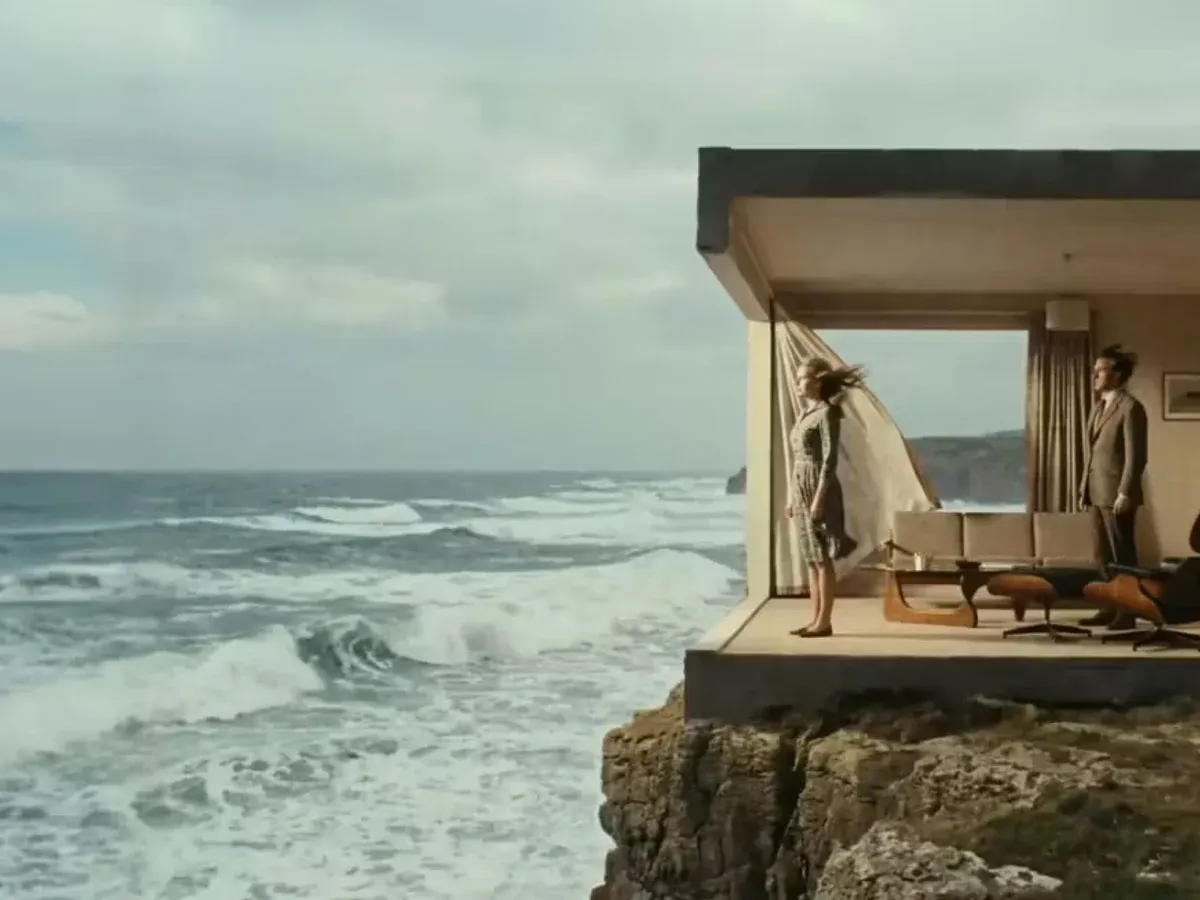
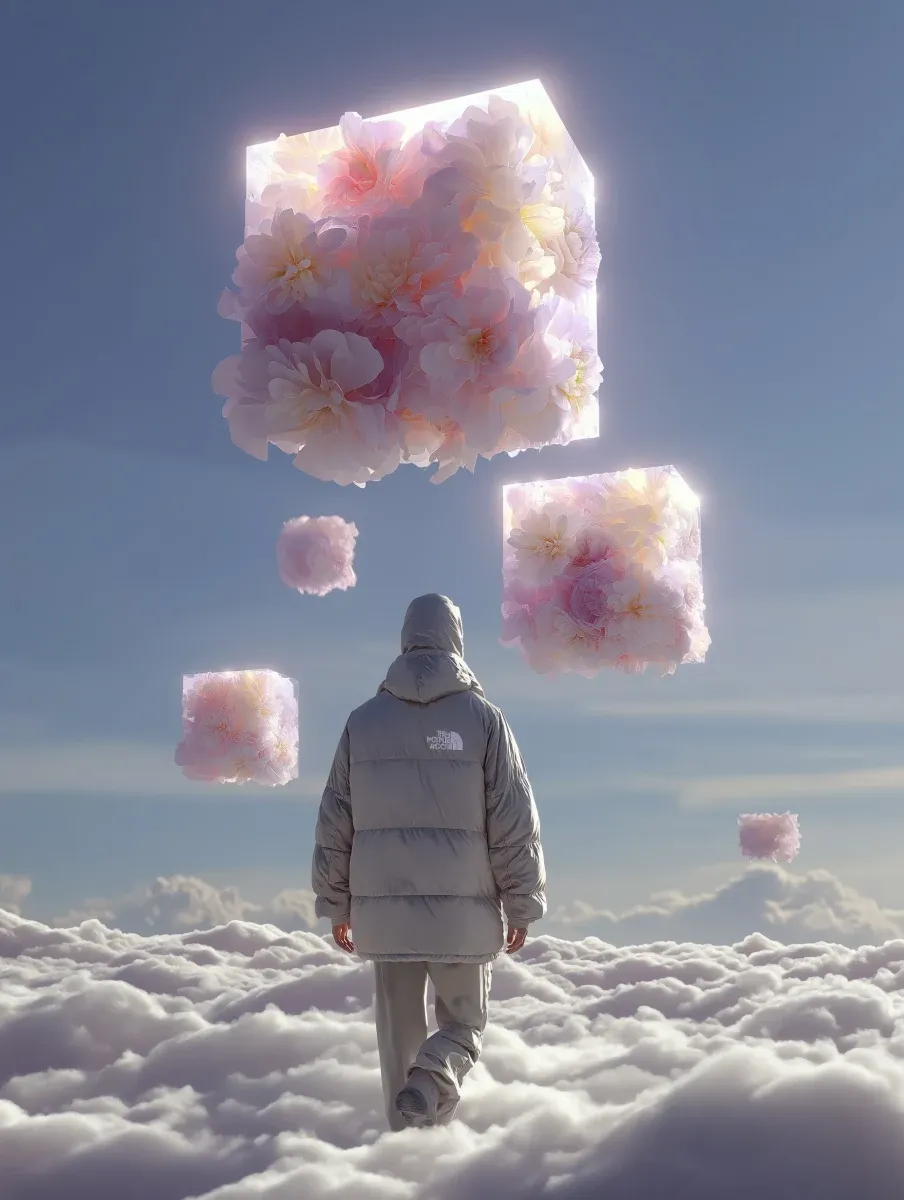
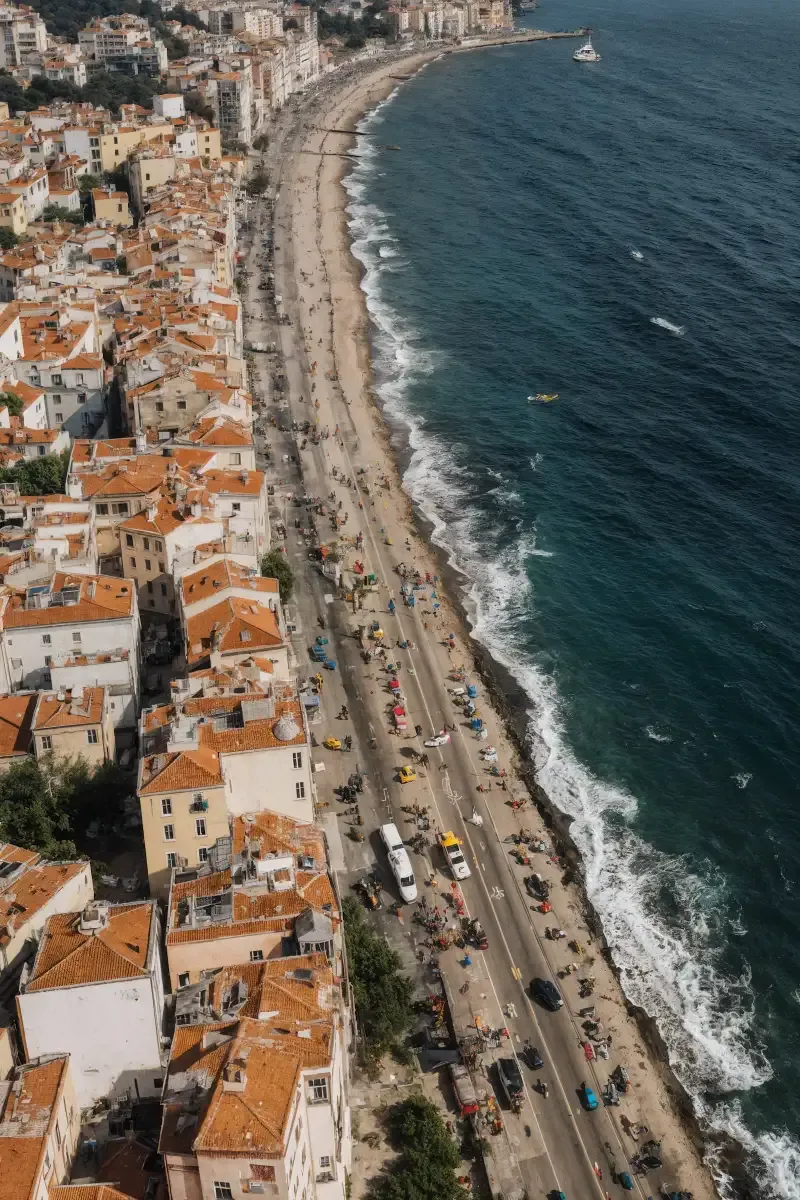
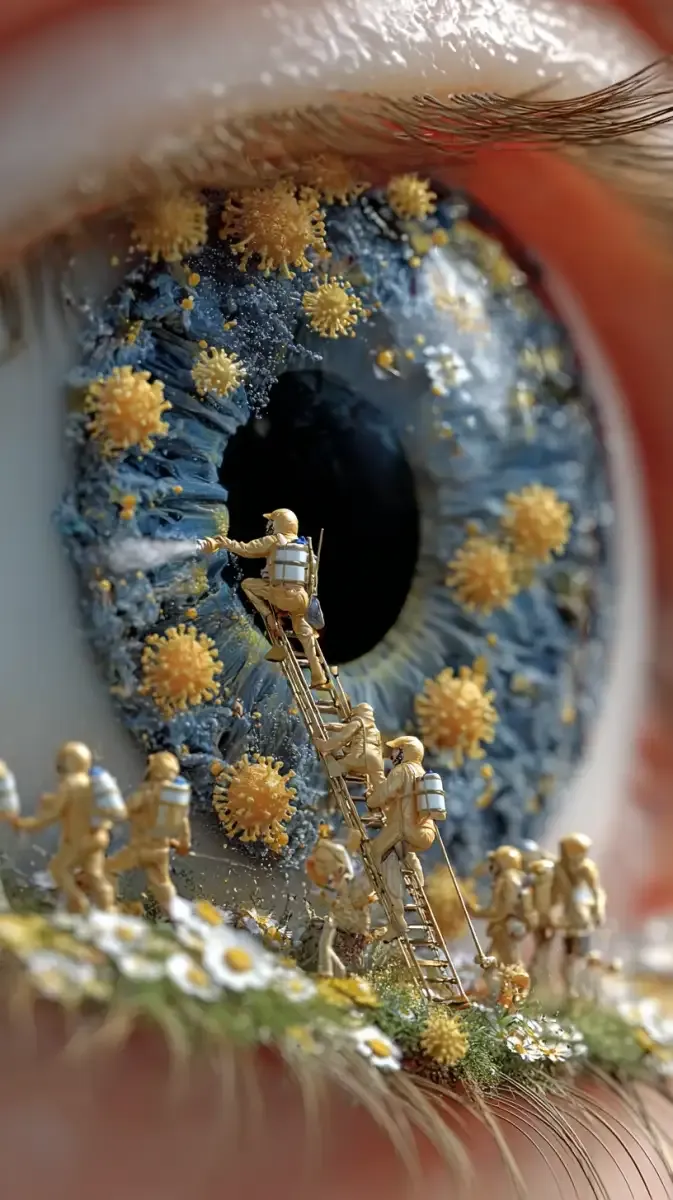
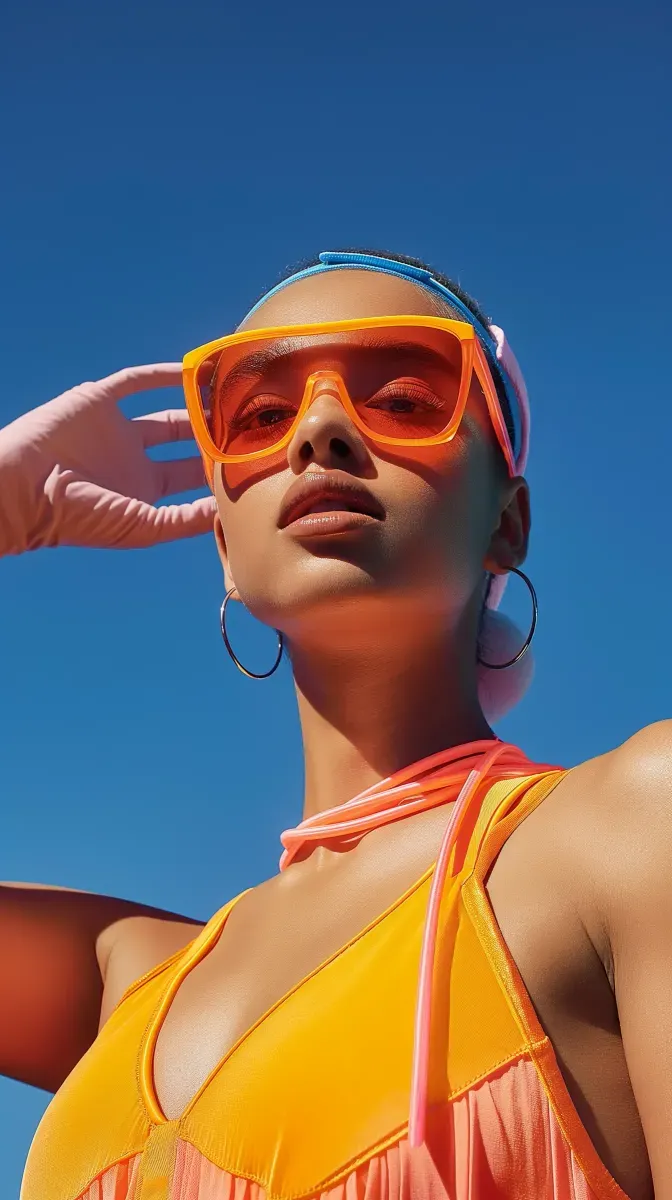
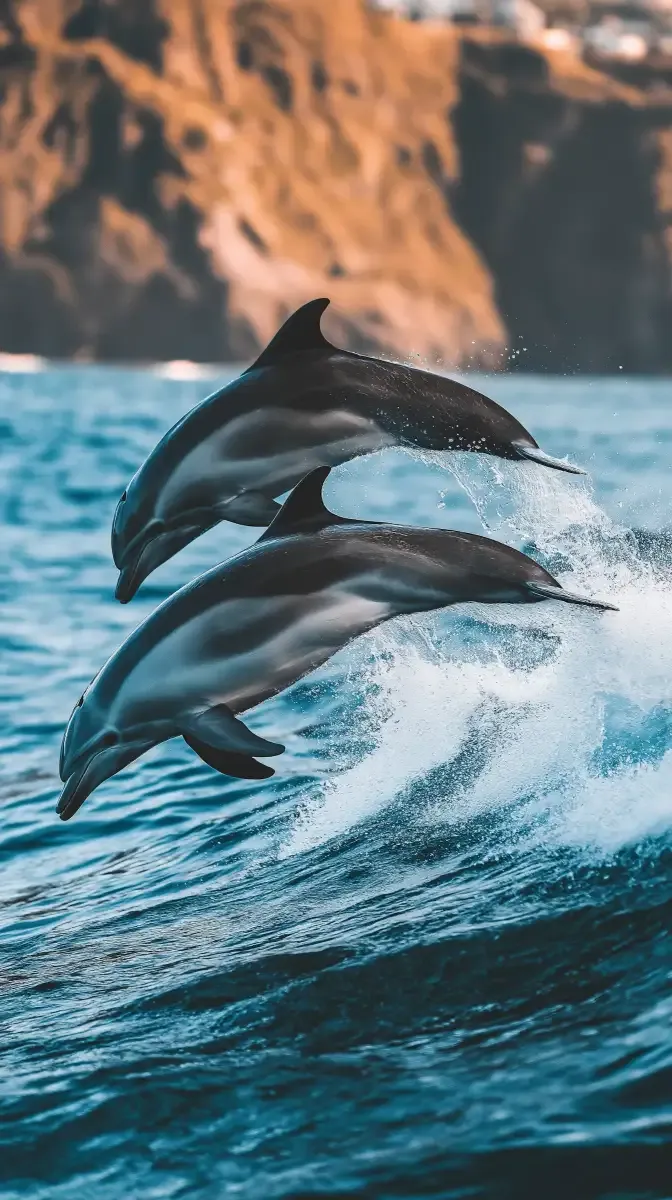
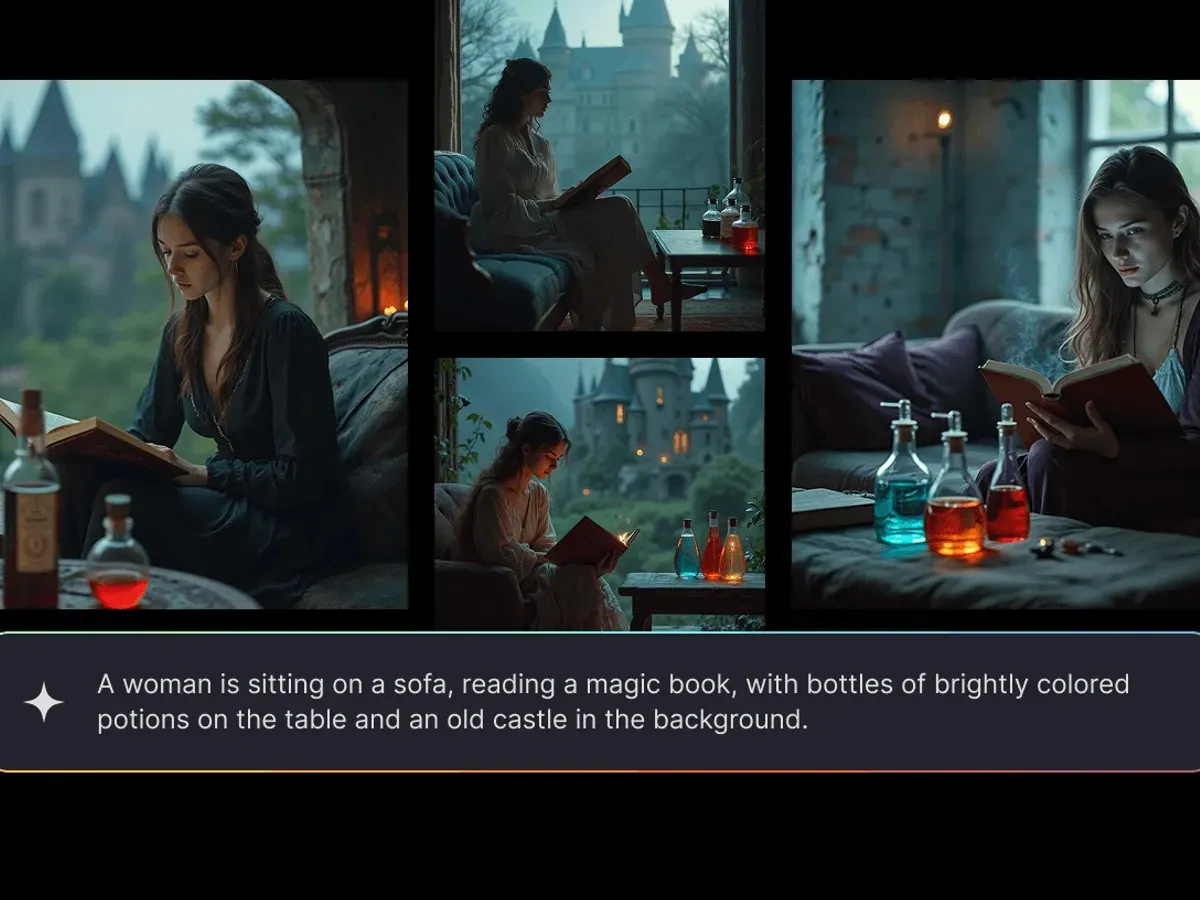
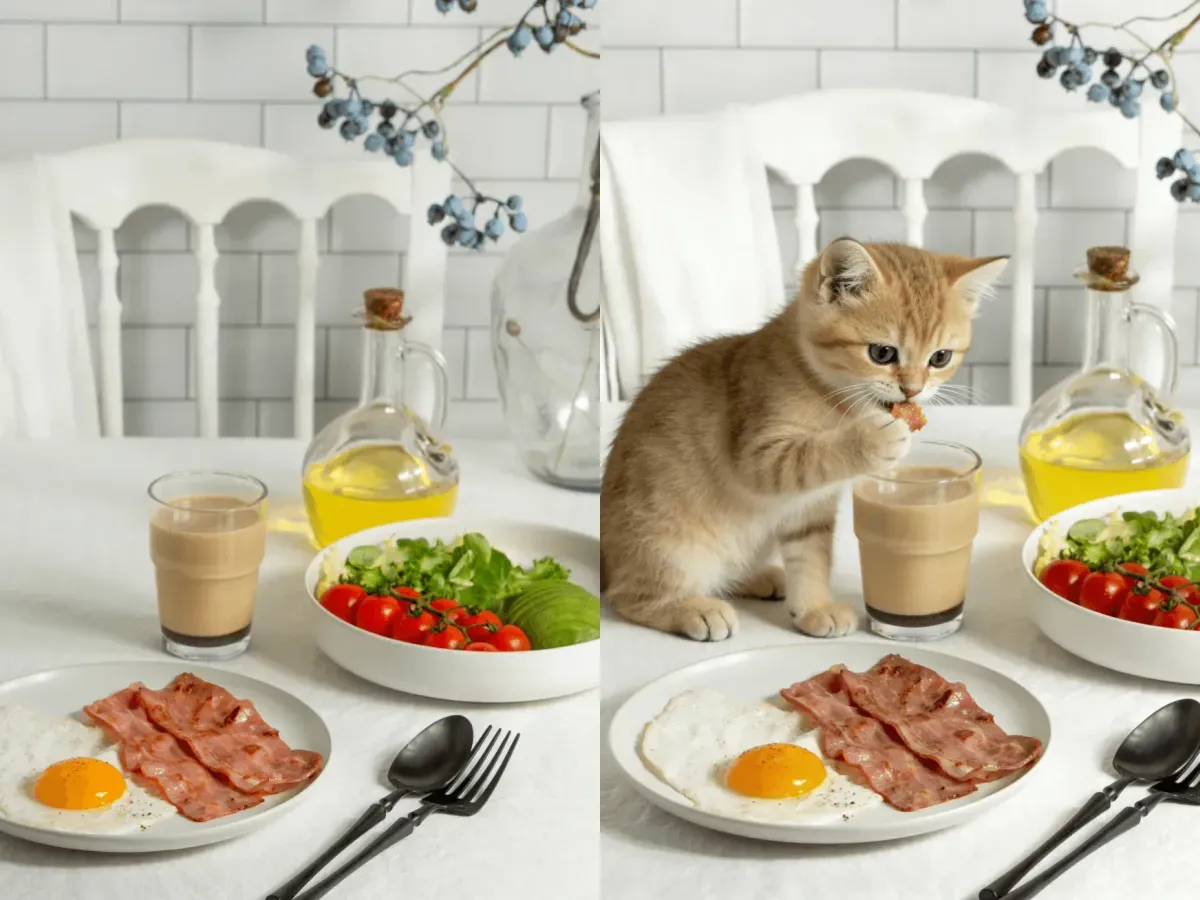
Looks to borrow for a Flow AI image generator prompt.